
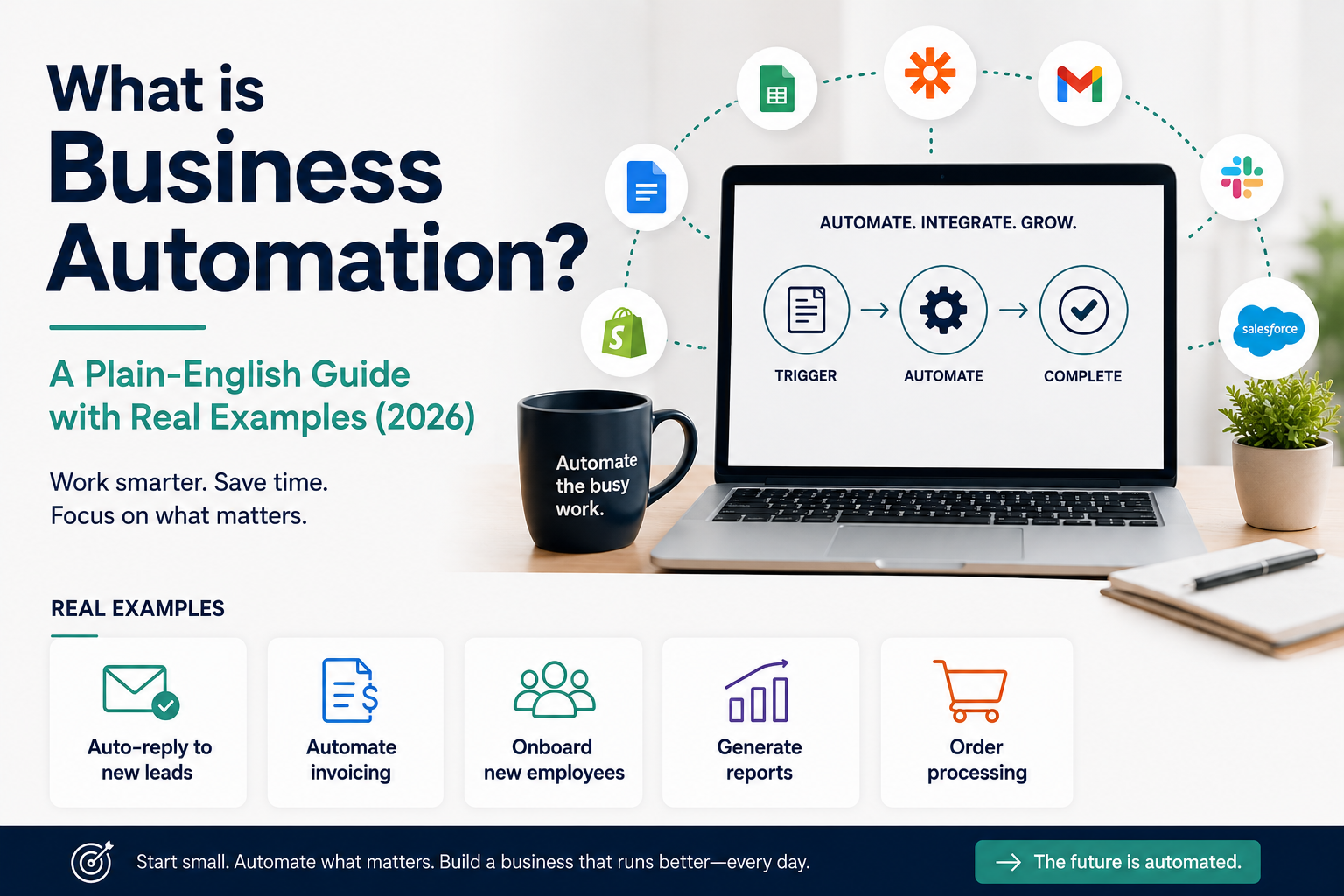
You’re already automating — you just don’t know it yet
We answer “what is business automation?” in the lines below. That email that replies to you the moment you go on leave. The invoice that lands in a client’s inbox on the same day every month without you touching a button. The social post that goes live at 9am while you’re still asleep. If any of that sounds familiar, that is business automation in practice — you just haven’t called it that.
I’m a bit of a night owl, and some of my best thinking happens at odd hours. I was genuinely pleased to discover I could finish a task on a tight deadline at midnight and schedule the email to land at 7am instead — rather than sending it at 11:58pm and hoping no one noticed the timestamp.
This post names what you’re already doing, and shows you how much further it can go.
What is business automation? (Simple definition)
Business automation means using software to handle a repeatable task automatically, instead of doing it manually every time. That’s the whole definition — everything else is detail.
If a task follows the same steps every time and doesn’t need your judgment in the moment, it’s a candidate for automation. The point isn’t to remove you from the business. It’s to remove you from the repetitive parts, so your time goes to the parts only you can do.
The 4 types of business automation (with examples)
Understanding what is business automation in practice starts with seeing these four types side by side
1. Task automation — automating one single, specific action. Example: A new email subscriber automatically receives a welcome message, without anyone sending it manually.
2. Workflow automation — automating a sequence of steps that make up part of a process. Example: When a client books a call, they’re automatically added to a calendar, sent a confirmation email, and added to a reminder sequence 24 hours before the meeting.
3. Process automation — automating an entire end-to-end business process, often across multiple tools. Example: A new client signs a contract, which automatically triggers an invoice, a project folder, a kickoff email, and a task list — all without manual setup.
4. AI automation — using AI to handle tasks that involve judgment, not just fixed rules. Example: An AI tool reads incoming customer emails, categorizes them by urgency, and drafts a suggested reply for review — something that would have needed a human to read and interpret before.
At Smart Ops, automation isn’t just a theme we write about — it’s a tool we actively use to sharpen how we review and evaluate the products we recommend.
Real examples of business automation in action
So, what is business automation, in one sentence? It’s software handling repeatable work so you don’t have to. Here’s what is business automation when it moves from theory to daily practice.
- A freelancer sets up automatic invoicing so that the moment a project milestone is marked complete, an invoice is generated and sent — no manual entry, no forgotten billing.
- A small retail business automates inventory alerts, so when stock of a product drops below a set number, a reorder notification goes out automatically instead of someone noticing too late.
- A service business automates client follow-ups, so that if a lead hasn’t responded within three days, a friendly check-in email goes out on its own.
Tools like Zapier are often what sits quietly in the background making these connections work — linking your email, calendar, invoicing tool, and CRM so they talk to each other automatically. [AFF-LINK: Zapier]
Whether in corporate boardrooms or informal book club meetings, I’ve watched the quality of presentations and interactions improve dramatically over the last two years, largely on the back of task and AI automation. Automation doesn’t replace human effort entirely — but it has clearly raised the depth and polish of what’s now possible with a fraction of the time.
What does business automation actually do for your bottom line?
Three things, in practical terms:
- Time saved — a task that used to take 20 minutes a day, done manually, is roughly 100 hours a year. Automated, it takes seconds.
- Errors reduced — manual data entry and repetitive admin are where small mistakes creep in: a missed invoice, a wrong date, a forgotten follow-up. Automation removes the human-error step entirely.
- Scale without hiring — the same repetitive work that would normally require bringing on an assistant can often be handled by automation instead, at a fraction of the cost.
A few years back, when we started the Inspire book club, it would take me about two hours to prepare a presentation — my perfectionist streak always kicks in. In 2026, that same prep takes about 30–45 minutes, with crisper results than before.
Ready to start? Here are the tools we recommend
Now that you have the answer to “what is business automation?”, here’s where to start. We’ve compared the top options in 5 Best Business Automation Tools for Small Businesses 2026, covering price, ease of use, and who each tool is actually built for.
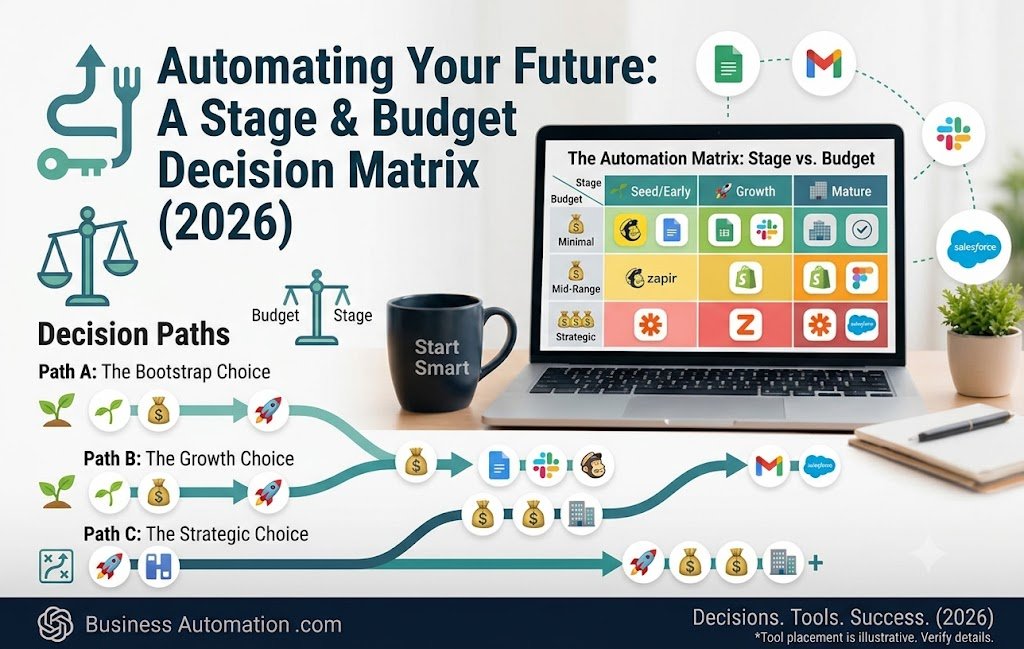
Understanding automation is the easy part — picking the right tool for your stage and budget is where most small business owners get stuck. Regardless of your stage or budget, the right automation tool is an investment that always pays off in time saved.
Affiliate disclosure: Some links in this post are affiliate links. If you make a purchase through them, Smart Ops may earn a commission at no extra cost to you.
Leave a Reply